
Get Started
Welcome to Wave docs
Wave turns a few sentences from the field into a priced estimate. Tell Wave what happened, and it creates the job, builds the estimate and keeps your notes, files, drying logs and schedule in one place.
Wave turns a few sentences from the field into a priced estimate. Tell it what happened by typing, talking or adding photos, and Wave creates the job, builds the estimate and keeps your notes, files, drying logs and schedule together. Restoration contractors and adjusters use it to scope losses and write estimates. These docs show you how.
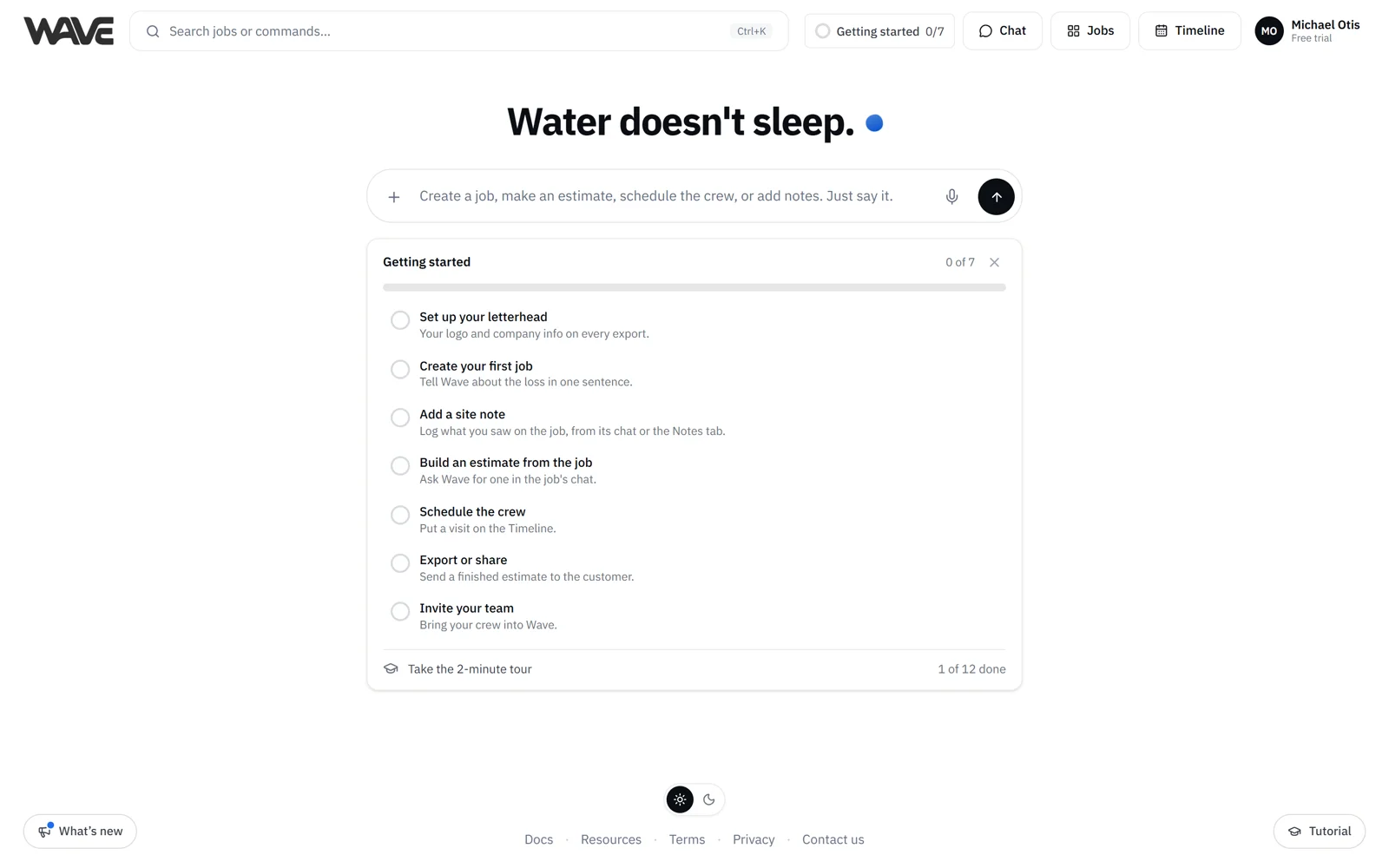
You can type, talk, or add photos, videos and PDFs, on Home or in a job's chat. Wave asks short questions when it needs a detail and tells you what it assumed. When the estimate is ready, you can export it as a PDF, send it to QuickBooks if your company invoices there, share a link with the customer or adjuster, or, on Basic and above, export a file for other estimating software.
Who these docs are for
- Adjusters: staff, independent, desk and field, scoping losses and writing estimates in Wave
- Whoever is on site: logging a loss, notes and photos from a phone or tablet
- Estimators: turning site notes into a clear, itemized estimate that is ready to send
- Office staff: running the Jobs board and the team schedule, and managing exports, the team, settings and billing
Each page has a button to copy it as Markdown, so you can paste it into your notes or an AI assistant.
How the docs are organized
- Get Started: sign up, log in, tour the app, Home, your first job, chat and Wave on your phone
- Jobs & Timeline: the Jobs board, creating a job, the job workspace, contacts, files, Timeline and booking visits
- Chat with Wave: answering Wave's questions, voice, photos and PDFs, past jobs, and working in Spanish or French
- Estimates: starting an estimate, the Estimates tab, several estimates on one job, discounts, lock, duplicate, history and archive
- Estimate Types: water, fire, mold, contents, repairs, roofing and more
- Rooms & Line Items: editing by chat or by hand, bulk edits and undo
- Drying Logs: sample dry logs that help your team understand drying goals, plus daily readings
- Export & Share: PDFs, QuickBooks, share links and adjuster comments
- Settings: your account, company details, letterheads, pricing, guidelines, integrations and your team
- Billing & Plans: plans, estimate credits, the free trial and billing history
- Reference: keyboard shortcuts, the command palette and job search, and what you can ask Wave
- How Wave Works: what Wave does, how to get the most from it and what to expect
- Help & Troubleshooting: answers to common questions, quick fixes and how to reach us
Where to start
New to Wave? Create your account in a couple of minutes. There is no card and no demo call, and your first 3 estimates include Pro features like PDF export, drying logs and QuickBooks.
Already have an account? Start with Your first job, start to finish. It walks a real loss from the first sentence to a finished estimate.
Want the lay of the land first? Tour the Wave app shows each screen you'll use: Home, Jobs, the job workspace, Timeline and Chat.