
Settings
Set up carrier guidelines
Upload the carrier and TPA program guidelines you work under. Wave turns them into billing checks and checks your estimates against the program you confirm.
Upload your carrier and TPA program guidelines once, and Wave turns them into billing checks that run on every estimate you build for that program's jobs. You see which lines don't fit the program while you work.
Wave is not trained on carrier guidelines
Wave doesn't come with any carrier's guidelines built in, and it doesn't train on the ones you upload. Your guidelines are your reference material. Wave reads them only to flag your estimates against the programs you attach. They're never used to improve Wave, never shared, and never visible outside your company. The feature exists to empower you against the fine print, not to collect it.
Who can set it up
Anyone on your team, Admin or Member, can upload and manage programs.
Guidelines are included with Pro, Enterprise, high-volume Custom plans and the free trial. The Guidelines tab appears in Settings when your plan includes them. See Plans and limits.
Add a program
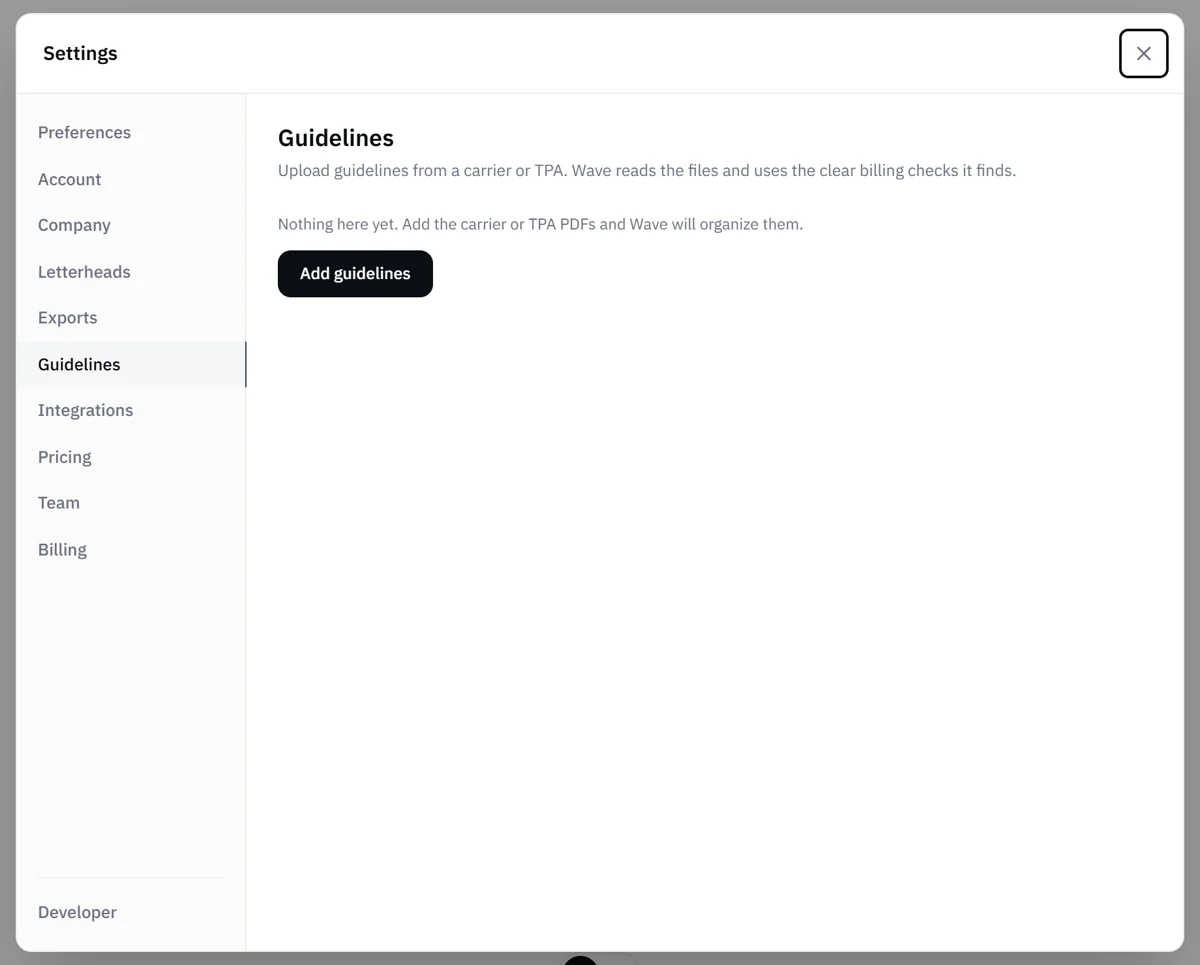
- Open the account menu and choose Settings, then select the Guidelines tab. On a phone, pick Guidelines from the dropdown at the top of Settings.
- Select Add guidelines and choose the program's PDFs. You can pick several at once.
- Wave starts reading. You can leave the page while it works.
Wave names the program for you. Use the pencil button to rename it.
Use PDFs with selectable text. Scanned, image-only PDFs can't be read.
Program statuses
Each program shows where it stands:
- Reading: Wave is finding the billing checks in your files.
- Ready: the checks are in use. The line under it says how many billing checks are included. Select View billing checks to see each one in the program's own words.
- No billing checks: Wave read the files but didn't find clear billing requirements. Add or replace a file.
- Couldn't read: Wave couldn't finish reading one or more files. Replace the file or try again.
- Finish setup: a file change was interrupted. Review the file list, then select Finish setup.
- Confirm programs: the files hold more than one program. Confirm the program names and which program each billing check belongs to, then finish setup.
Update a program's files
Open a program to manage its files. You can:
- Add files, such as a supplement or a companion document the program refers to
- Replace a PDF with a new edition
- Remove a PDF. A program keeps at least one file, so to drop the last file, remove the whole program instead.
- Try again on a file Wave couldn't read
When you change the files, Wave rereads the program. Your current checks stay active until the update is ready, so estimates keep being checked in the meantime.
To delete a program, select its trash icon. Jobs that used it no longer get checks from that program.
Use a program on a job
The carrier is part of the job. Tell Wave the carrier in the job's chat, or enter it on the job, and Wave matches it to the right program. If it isn't sure, it asks you.
After that, Wave checks the estimate while you build it and re-checks automatically after every change. The Billing checks drawer on the estimate ends with a summary of how much of the program Wave could check against the estimate, so you can see what was covered. See Billing checks.
Findings are billing checks that help you build clean estimates. When you ask Wave about coverage, it suggests a reading and cites the section it relies on, and you make the final call.
Related
- Billing checks: read and act on the flags on an estimate
- Coverage and industry standards questions: how Wave answers coverage questions
- Plans and limits: which plans include guideline checks
- Settings overview: every Settings tab and who sees it