
Billing & Plans
Billing history: your plan, invoices and next payment date
See your plan, your next billing date and your invoices in one place. Open Settings > Billing and download any invoice as a PDF.
Open Settings > Billing to see your current plan, your next billing date and a full list of invoices, and download any invoice as a PDF whenever you need it.
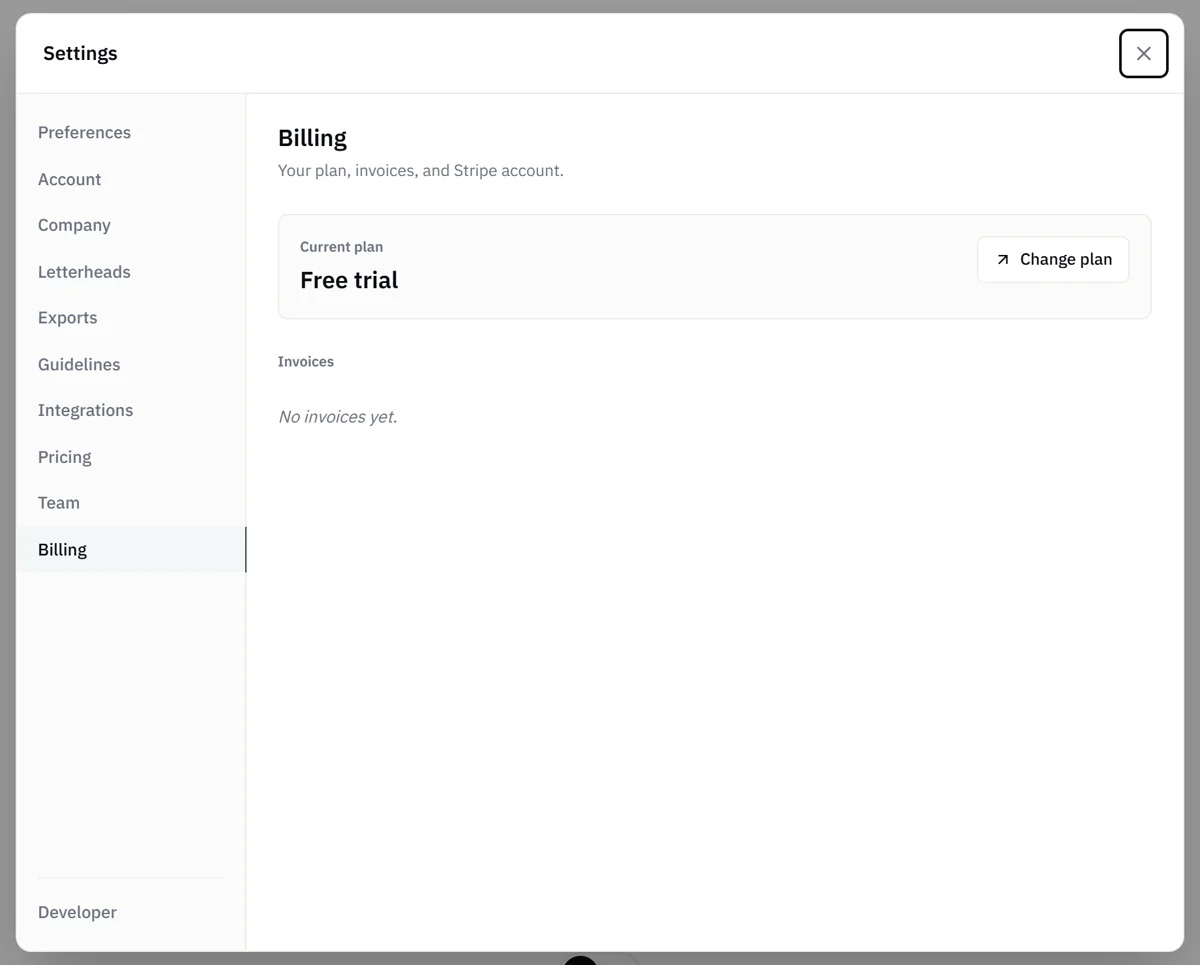
Where to find it
- Open the account menu and choose Settings.
- Select the Billing tab.
The Billing tab shows:
- Current plan: the plan you're on today, such as Free trial, Starter, Basic, Pro or Custom.
- Next billing date: when your next payment is due. It appears while your subscription is active.
- Invoices: your past invoices. Each row shows the plan, date, payment status and amount.
Download an invoice
In the Invoices section, click PDF on the row you need. The invoice opens in a new tab, ready to save or print. With a long history, click Show more at the bottom of the list to load more.
Change your plan
To upgrade, downgrade, switch between monthly and annual, or cancel, click Change plan on the Billing tab. It opens the plan picker. See Change your plan.
Update your card
If a renewal payment doesn't go through, the Billing tab shows an Update payment method button. It opens a secure page where you can change your card. Your plan stays on for 30 days while you update it, so your team keeps working. After that, the plan pauses until billing is updated, and your existing jobs and estimates stay available to view.
To change the card on file at any other time, contact support and we'll update it with you.
Questions about a charge
If something on an invoice looks off, or you'd like a refund, email hello@buildwithwave.com and we'll look into it.
Who can see this
The Billing tab is available to Admins. See User roles.